
Why Does Soldering Flux Turn Brown or Sticky? Causes, Cleaning and Prevention
Learn when brown or sticky flux residue is normal, when it indicates excessive heat or incomplete activation, and how to clean PCB residue safely.
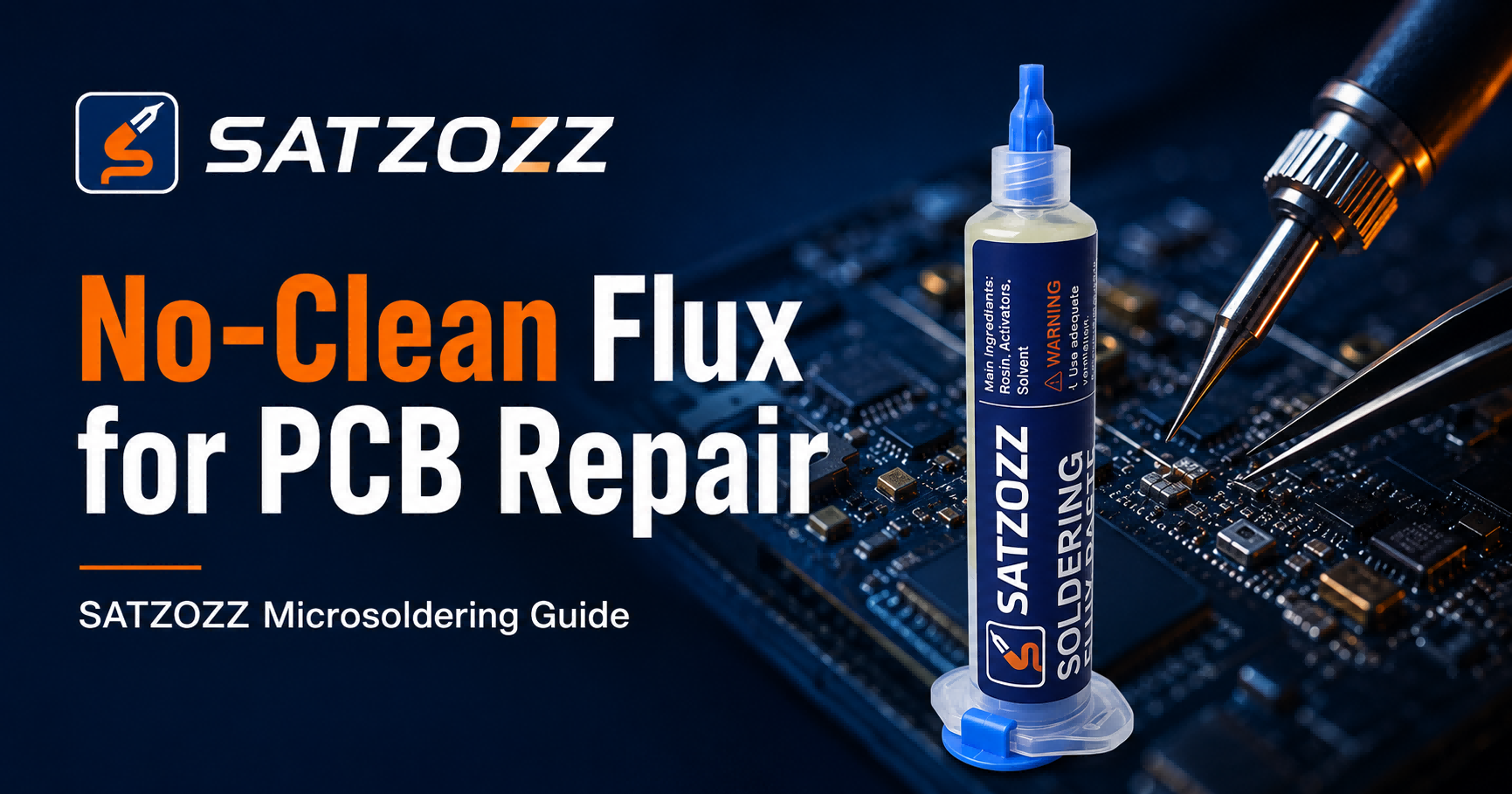
Quick answer: Soldering flux often turns amber, brown or sticky because its solvents evaporate and its resin or rosin components react to heat. A light, transparent residue can be normal. Very dark, burnt, thick or wet residue may indicate excessive heat, too much flux, incomplete activation, contamination or an unsuitable soldering process.
Flux changes during soldering. As the repair area heats, liquid solvents evaporate, activators react with surface oxides and the remaining resin components form a residue around the solder joint.
This residue may appear transparent, amber, brown, glossy, sticky or slightly hardened. Its appearance depends on the flux formulation, temperature, heating time, application amount and cleaning process.
Color alone does not determine whether a solder joint is reliable. Technicians should also inspect solder wetting, residue location, cleanliness, heating history and the requirements of the repaired PCB.
Usually Normal
- Light amber or translucent residue
- Thin residue around the solder joint
- Good solder wetting
- No burnt odor or board discoloration
Inspect Carefully
- Sticky residue covering a large area
- Flux trapped under nearby components
- Residue around fine-pitch pins
- Uneven or incomplete solder wetting
Possible Process Problem
- Black or heavily carbonized residue
- Burnt smell or smoke beyond normal soldering fumes
- PCB solder mask discoloration
- Brittle, crusted or contaminated residue
Is Brown Flux Residue Normal?
A light brown, amber or translucent residue can be a normal result of heating rosin-based or resin-containing flux.
During soldering, the flux is activated by heat. Volatile ingredients evaporate, while non-volatile resin components remain around the joint. These components may become darker as the temperature and heating time increase.
Brown residue is more likely to be acceptable when:
- The residue is thin and localized.
- The solder joint is smooth and properly wetted.
- The PCB has not been overheated.
- The flux is designed for the soldering process.
- The residue does not interfere with inspection or testing.
- The manufacturer permits the residue to remain.
Why Does Soldering Flux Turn Brown?
Normal Heat Activation
Flux ingredients change as they are heated. Solvents evaporate, activators react with oxides and resin components remain on the surface.
Excessive Soldering Temperature
High tip temperature can darken flux quickly and may carbonize residue before the soldering process is complete.
Heating the Joint for Too Long
Even at a moderate temperature, prolonged contact can continue cooking the flux after its useful activation period.
Too Much Flux Was Applied
Only the flux near the heated solder joint may reach the proper activation temperature. Excess flux outside that zone can remain wet or sticky.
Incomplete Flux Activation
Flux may remain partially unreacted when it is applied outside the heated area or when the joint does not reach the required working temperature.
Old, Contaminated or Improperly Stored Flux
Exposure to air, dust, moisture or inappropriate storage conditions can change flux consistency and dispensing behavior.
Repeated Rework on the Same Area
Each repair cycle can reheat old residue and mix it with fresh flux, solder oxides and surface contamination.
Why Does Flux Stay Sticky?
Sticky residue often means that part of the flux remains soft after the board cools. This may be normal for some tacky formulations, but it can also indicate excessive application or incomplete heating.
Flux Outside the Heated Zone
Flux that spreads beyond the solder joint may never reach its intended activation temperature.
Excessive Application
A thick layer takes longer to heat and can leave a large amount of residue after soldering.
Low Process Temperature
The solder may melt locally while part of the surrounding flux remains only partially activated.
Flux Formulation
Tacky flux is intentionally viscous and may remain slightly tacky depending on the product and heating profile.
Brown, Sticky or Burnt: What Does the Residue Mean?
| Residue Appearance | Possible Cause | Recommended Response |
|---|---|---|
| Clear or light amber | Normal flux activation | Inspect the solder joint and follow the product instructions |
| Thin light-brown residue | Heated resin or rosin components | May be acceptable if the process and assembly permit it |
| Large sticky area | Too much flux or incomplete activation | Clean the residue and reduce future application volume |
| White residue after cleaning | Dissolved flux was redistributed or the cleaning process was incomplete | Use a compatible cleaner and remove contaminated solvent from the surface |
| Very dark brown or black | Excessive heat or prolonged soldering | Stop, inspect the PCB and correct the temperature or contact problem |
| Brittle or carbonized deposit | Severe overheating or repeated rework | Clean carefully and inspect for pad, trace or mask damage |
Does Brown Flux Mean the PCB Was Overheated?
Not automatically. Light amber or brown residue can occur during normal flux activation.
Overheating is more likely when brown residue appears together with:
- Blackened or crusted flux
- Discolored solder mask
- Lifted or moving PCB pads
- Excessive smoke
- Burnt odor
- Damaged nearby plastic components
- Dull or poorly wetted solder joints
Stop heating if the PCB surface begins changing color or the copper pad becomes loose.
Should You Clean Brown or Sticky Flux Residue?
Cleaning depends on the flux type, residue amount, activation condition and assembly requirements.
Cleaning is generally advisable when:
- The residue is thick, sticky or visibly contaminated.
- Excess flux was not fully heated.
- The board requires conformal coating or adhesive bonding.
- The residue interferes with inspection or testing.
- The circuit contains sensitive or high-impedance areas.
- The repair customer requires a clean board.
- The flux manufacturer specifies cleaning.
- The PCB will operate in a harsh or humid environment.
How to Clean Flux Residue From a PCB
Allow the PCB to Cool
Disconnect power and allow the board to return to a safe handling temperature before cleaning.
Identify the Flux Type
Check whether the residue comes from no-clean, rosin, water-soluble or another electronics flux formulation.
Select a Compatible Cleaner
Use a flux remover or cleaning method recommended for the specific flux, PCB materials and nearby components.
Apply Cleaner in a Controlled Area
Avoid allowing solvent to enter switches, displays, microphones, unsealed connectors or other sensitive components.
Use Gentle Agitation
Use an ESD-safe brush, lint-free swab or suitable cleaning tool. Avoid excessive mechanical pressure on fine-pitch components.
Remove the Dissolved Residue
Do not simply spread the dissolved flux around the PCB. Use a clean wipe, rinse method or controlled removal process so contaminated solvent leaves the repair area.
Allow the PCB to Dry Completely
Make sure solvent has evaporated from under components and connectors before reconnecting power.
Inspect Under Magnification
Check for remaining residue, solder bridges, damaged pads and debris before returning the board to service.
Can Isopropyl Alcohol Clean Flux Residue?
Isopropyl alcohol may remove some flux residues, but its effectiveness depends on the exact flux formulation and how heavily the residue has been heated.
Heavy, baked-on or specialized flux residue may require a dedicated compatible flux remover.
When using any cleaner:
- Confirm compatibility with plastics and coatings.
- Use appropriate ventilation.
- Avoid ignition sources when using flammable solvents.
- Follow the cleaner safety instructions.
- Remove dissolved residue instead of redistributing it.
- Allow the board to dry fully before powering it.
Why Does White Residue Appear After Cleaning?
White residue may appear when dissolved flux is moved across the PCB but not fully removed. It can also result from cleaner incompatibility, contaminated tools or mineral contamination.
To reduce white residue:
- Use cleaner designed for the flux type.
- Use clean, lint-free tools.
- Remove contaminated liquid from the PCB surface.
- Do not allow dissolved residue to dry in a new location.
- Use a controlled final rinse when appropriate.
How to Prevent Excessive Brown or Sticky Flux Residue
Use Less Flux
Apply only enough to wet the target solder joint or component leads.
Control Temperature
Use the lowest effective temperature rather than overheating the repair area.
Improve Tip Contact
A clean, properly tinned tip transfers heat more efficiently and shortens soldering time.
Avoid Repeated Heating
Allow the PCB to cool and clean old residue before repeating a difficult rework process.
Store Flux Correctly
Keep the container closed and follow the manufacturer’s temperature and shelf-life requirements.
Use the Correct Flux
Match the flux formulation to the solder alloy, PCB repair method and cleaning requirements.
Common Flux Residue Mistakes
Assuming All Brown Residue Is Burnt Flux
Light amber or brown residue can be normal. Inspect the full soldering result before deciding that the flux has overheated.
Assuming No-Clean Residue Never Needs Removal
Excessive, unactivated or process-sensitive residue may still require cleaning.
Using Too Much Cleaner
Flooding a PCB can carry dissolved residue underneath components and into connectors.
Using the Same Dirty Swab Repeatedly
A contaminated swab may spread residue rather than remove it.
Cleaning Before the Board Cools
Hot surfaces can increase solvent evaporation and reduce cleaning control.
Using Plumbing or Acid Flux
Acid-based plumbing flux is not suitable for electronic circuit boards and may leave corrosive residue.
Frequently Asked Questions
Why does soldering flux turn brown?
Flux turns brown because its solvents evaporate and its resin or rosin components react to heat. Light amber or brown residue can be normal, while very dark residue may indicate excessive heating.
Is brown flux residue bad?
Not always. Thin, light-brown residue may be normal. Thick, black, burnt or contaminated residue should be inspected and may require cleaning.
Why is my flux still sticky after soldering?
Sticky residue can result from excessive flux, incomplete heating, flux outside the soldering zone or a tacky flux formulation.
Does no-clean flux leave brown residue?
Some no-clean flux formulations can leave transparent amber or brown residue after soldering. Whether it can remain depends on the product and assembly requirements.
Should I clean sticky flux from a PCB?
Cleaning is advisable when residue is excessive, unactivated, contaminated, difficult to inspect or unsuitable for the assembly environment.
Can excessive heat make flux stop working?
Yes. Prolonged or excessive heating can consume or carbonize active flux ingredients and make solder wetting more difficult.
Can isopropyl alcohol remove flux residue?
Isopropyl alcohol can remove some residues, but heavily heated or specialized flux may require a dedicated compatible flux remover.
Why does flux residue turn white after cleaning?
White residue may appear when dissolved flux is redistributed and allowed to dry, or when the cleaning method is not compatible with the residue.
Use Flux in a Controlled Microsoldering Process
Flux color and residue are affected by formulation, application amount, temperature, heating time and cleaning.
SATZOZZ provides microsoldering products for PCB repair, including NC559 No-Clean Flux, precision tweezers and desoldering wick.
- Controlled syringe application
- Suitable for precision PCB rework
- Designed for microsoldering workflows
- Pairs with desoldering wick and precision tweezers
- Wholesale and private-label cooperation available
Need Flux and Microsoldering Tools for PCB Repair?
Explore SATZOZZ products or contact our team for wholesale, distributor and private-label inquiries.
View SATZOZZ Products Contact SATZOZZ