
How to Use NC559 Flux for PCB Repair: A Step-by-Step Guide
In PCB repair and microsoldering, soldering flux plays an important role in improving solder flow, reducing oxidation, and helping solder joints form more cleanly. For phone motherboard repair, fine-pitch soldering, and electronics rework, using the right flux correctly can make the repair process more stable and easier to control.
SATZOZZ NC559 No-Clean Soldering Flux Kit is designed for PCB repair, phone motherboard repair, fine electronics work, and precision soldering tasks. This guide explains how to use NC559 flux correctly and how to combine it with other repair tools such as precision tweezers and desoldering wick.
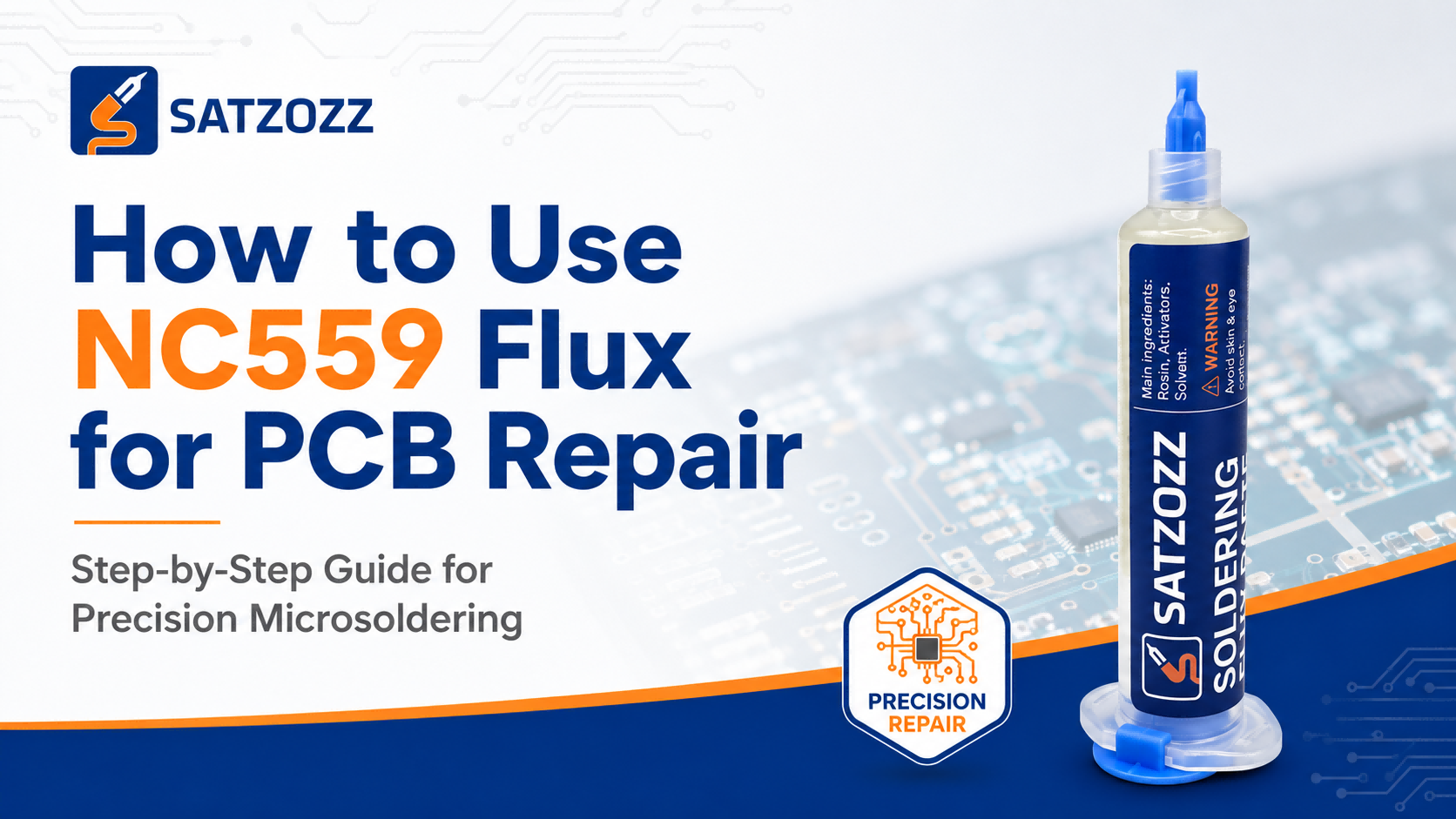
SATZOZZ NC559 Flux Kit is designed for PCB repair, phone motherboard repair, fine-pitch soldering and electronics rework.
Quick answer: To use NC559 flux for PCB repair, apply a small amount of flux to the soldering area, heat the joint with a soldering iron or hot air tool, complete the soldering or rework process, and clean the board if necessary. Use only the amount needed for the repair area to avoid excess residue.
People Also Ask About NC559 Flux
What is NC559 flux used for?
NC559 flux is used for PCB repair, phone motherboard repair, fine-pitch soldering, component rework, and electronics maintenance. It helps solder flow more smoothly and supports cleaner soldering results.
How do you use NC559 flux for PCB repair?
Apply a small amount of NC559 flux to the repair area, heat the solder joint with a soldering iron or hot air tool, complete the soldering or rework task, and inspect the joint after cooling.
Is NC559 flux suitable for phone motherboard repair?
Yes. NC559 flux is commonly used for phone motherboard repair, fine electronics work, small pads, and precision soldering tasks where controlled solder flow is important.
Do you need to clean no-clean flux?
No-clean flux is designed to leave limited residue, but cleaning may still be useful when the board needs visual inspection, professional finishing, or customer-facing repair quality.
Can too much flux cause problems?
Yes. Using too much flux can leave excess residue, make inspection harder, and create a messy repair area. For most PCB repair tasks, a small controlled amount is enough.
What Is NC559 Flux?
NC559 flux is a type of no-clean soldering flux commonly used in electronics repair and rework. Flux helps prepare the soldering area by improving solder wetting and reducing oxidation during the heating process.
In microsoldering and PCB repair, flux is especially useful when working with small pads, fine-pitch components, connectors, ICs, and phone motherboard repair areas. It helps solder move more smoothly and supports cleaner solder joint formation.
SATZOZZ NC559 Flux Kit is positioned as a practical soldering flux solution for repair shops, electronics technicians, online sellers, and wholesale repair tool buyers.
Why Flux Matters in PCB Repair
During soldering, metal surfaces can oxidize when heated. Oxidation makes solder flow less smoothly and may cause weak or uneven solder joints. Flux helps reduce this problem by supporting better solder wetting and flow.
For repair technicians, flux can help improve:
- Solder flow on PCB pads
- Fine-pitch soldering control
- Component rework efficiency
- Phone motherboard repair handling
- Visual quality of solder joints
How to Use NC559 Flux for PCB Repair
Step 1: Prepare the PCB Repair Area
Before applying flux, make sure the repair area is visible and accessible. Remove dust, loose debris, or obvious contamination from the board. If you are working on small components, use proper magnification and lighting.
Step 2: Apply a Small Amount of Flux
Apply a small amount of NC559 flux directly to the soldering area. For small pads or fine-pitch components, use less flux and apply it carefully. Too much flux can make the board messy and harder to inspect after repair.
Step 3: Heat the Solder Joint
Use a soldering iron or hot air tool depending on the repair task. The flux will activate during heating and help solder flow more smoothly. Keep heat controlled and avoid staying on one area for too long.
Step 4: Complete Soldering or Rework
Complete the soldering process, component replacement, pad rework, connector repair, or fine electronics repair task. When positioning small components, precision tweezers such as S-05U Ultra-Fine Precision Tweezers can help improve control.
Step 5: Remove Excess Solder if Needed
If there is too much solder or a solder bridge appears, use SATZOZZ Desoldering Wick to remove the excess solder and clean the PCB pads.
Step 6: Inspect and Clean the Board
After the repair area cools, inspect the solder joint. Although no-clean flux is designed to leave limited residue, cleaning may still be helpful for a professional finish, visual inspection, or customer repair quality.
Common Applications of NC559 Flux
NC559 soldering flux is suitable for many electronics repair and rework tasks, including:
- PCB repair and electronics maintenance
- Phone motherboard repair
- Fine-pitch soldering
- Connector and small component rework
- SMD repair and component placement
- Repair shop daily soldering tasks
NC559 Flux Use Guide by Repair Task
| Repair Task | How Flux Helps | Recommended Tool Combination |
|---|---|---|
| Phone Motherboard Repair | Supports smoother solder flow on small pads and fine components | NC559 Flux + Precision Tweezers |
| Fine-Pitch Soldering | Helps reduce uneven solder flow and improves solder wetting | NC559 Flux + S-05U Tweezers |
| Solder Bridge Repair | Helps rework the solder area before removing excess solder | NC559 Flux + Desoldering Wick |
| Component Replacement | Supports better soldering during component removal and replacement | Flux + Tweezers + Hot Air / Soldering Iron |
| PCB Pad Cleaning | Helps prepare soldered areas for inspection and rework | NC559 Flux + Desoldering Wick |
Common Mistakes When Using NC559 Flux
1. Applying Too Much Flux
More flux does not always mean better soldering. Too much flux can leave excess residue and make the work area harder to inspect. Apply only what is needed for the repair area.
2. Using Too Much Heat
Flux helps solder flow, but it cannot protect the board from poor heat control. Avoid heating the same area for too long, especially when working with small pads or delicate components.
3. Not Cleaning When Inspection Is Needed
No-clean flux does not always mean “never clean.” For professional repair work, cleaning the board after repair can help improve appearance and inspection quality.
4. Using Flux Without the Right Tools
Flux works best when combined with the right repair tools. Precision tweezers help position components, while desoldering wick helps remove excess solder and clean pads.
Recommended Product: SATZOZZ NC559 No-Clean Soldering Flux Kit
SATZOZZ NC559 No-Clean Soldering Flux Kit is designed for repair technicians, electronics maintenance users, repair shops, and wholesale buyers looking for practical microsoldering repair supplies.
It is suitable for:
- PCB repair
- Phone motherboard repair
- Fine-pitch soldering
- Electronics rework
- Repair shop daily soldering work
- Wholesale repair tool supply
Need NC559 Flux for PCB Repair?
Explore SATZOZZ NC559 No-Clean Soldering Flux Kit for PCB repair, phone motherboard repair, precision soldering and electronics rework.
View SATZOZZ NC559 Flux Kit →FAQ
What is NC559 flux used for?
NC559 flux is used for PCB repair, phone motherboard repair, fine-pitch soldering, component rework, and electronics maintenance.
How much NC559 flux should I use?
Use only a small amount that covers the repair area. Too much flux can leave excess residue and make inspection more difficult.
Is NC559 flux good for microsoldering?
Yes. NC559 flux is suitable for microsoldering tasks such as fine-pitch soldering, small component work, phone motherboard repair, and PCB rework.
Should I clean no-clean flux after repair?
No-clean flux is designed to leave limited residue, but cleaning may still be recommended when visual inspection, professional finishing, or customer-facing repair quality is important.
Can NC559 flux be used with desoldering wick?
Yes. Flux can help during rework, and desoldering wick can be used to remove excess solder or clean PCB pads after soldering.
Conclusion
Learning how to use NC559 flux correctly can improve PCB repair quality, especially in phone motherboard repair, fine-pitch soldering, and small component rework. The key is to use the right amount of flux, control heat properly, and combine flux with the correct repair tools.
For repair technicians and wholesale buyers, SATZOZZ NC559 No-Clean Soldering Flux Kit is a practical repair supply for everyday PCB repair and microsoldering tasks.